
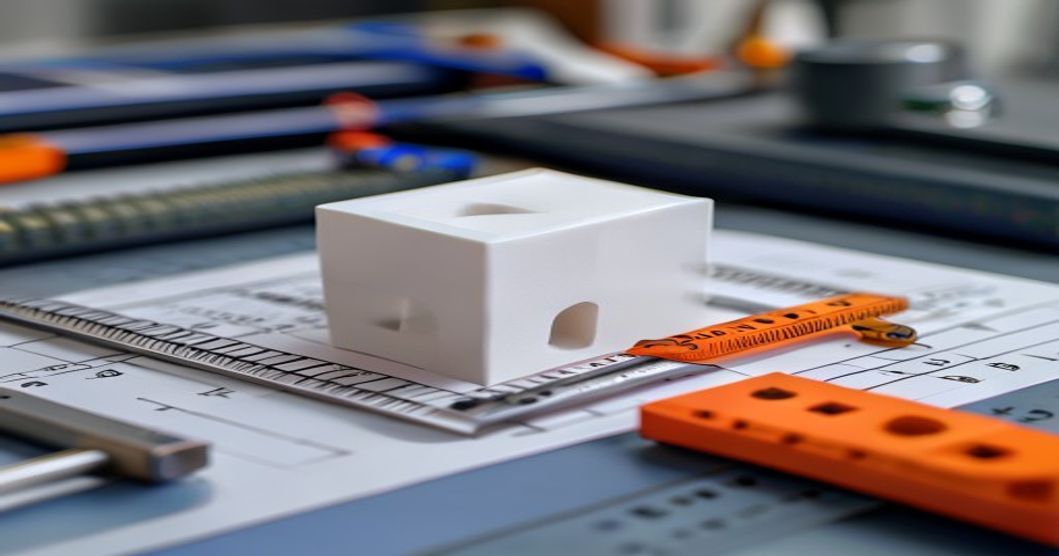
De kalibratieblok voor 3D-printers is het meest geprinte kalibratieobject, maar wordt tegelijkertijd ook het meest verkeerd begrepen. Een blok met afmetingen van precies 20 × 20 × 20 mm geeft aan dat je printer goed is afgesteld. Een kubus met afmetingen van 20,3 × 19,8 × 20,1 mm duidt op een afwijking in de kalibratie die de precisie van assemblages zal aantasten. Deze handleiding leidt zowel nieuwe als ervaren gebruikers stap voor stap door het printen, meten en interpreteren van kalibratiekubussen.
Wat is een kalibratiekubus voor een 3D-printer?
Een kalibratiekubus is een eenvoudige geometrische vorm die wordt geprint om te controleren of je 3D-printer onderdelen met de juiste afmetingen produceert. De standaard is een kubus van 20 mm met duidelijk aangegeven X-, Y- en Z-assen. Na het printen meet je elke afmeting met een digitale schuifmaat en vergelijk je deze met het ontwerp. Elke afwijking wijst op een schaalafwijking, problemen met de riemspanning of mechanische uitlijningsfouten.
Hoewel de kubus op het eerste gezicht onbeduidend lijkt, vormt hij de basis voor maatnauwkeurigheid. Elk functioneel onderdeel dat je print, zal dezelfde maatfouten vertonen als je kalibratiekubus, totdat je deze corrigeert.
Waarom kalibratiekubussen belangrijk zijn
Een 3D-geprint onderdeel is slechts zo nauwkeurig als de machine waarmee het is vervaardigd. Veelvoorkomende problemen die door kalibratiekubussen aan het licht worden gebracht, zijn onder meer:
- X/Y-schaalafwijking — Riemen die te los of te strak zitten, of een onjuiste kalibratie van het aantal stappen per mm
- Fout in de Z-as — De spoed van de spindel komt niet overeen of de laaghoogte is niet gelijkmatig deelbaar door de totale hoogte
- Diagonale krimp — Ongelijkmatige koeling of een frame dat niet haaks is
- Afgeronde hoeken — Te sterke compensatie van de spuitmond of loszittende riemen
- Olifantenpoot — De eerste laag is te platgedrukt of de temperatuur van het bed is te hoog

Hoe print je een kalibratiekubus?
Volg deze werkwijze voor een betrouwbare afdruk van de kalibratiekubus:
- Een standaardkubus downloaden — Gebruik een model waarvan bekend is dat het goed is (bijvoorbeeld van Thingiverse of Printables) met duidelijk aangegeven assen en nominale afmetingen van 20 mm
- Snijden met standaardinstellingen — Laaghoogte 0,2 mm, 20%-vulling, 3 randen, geen steunpalen, PLA bij 200-210 °C
- Schakel eventuele automatische schaalbaarheid uit — Zorg ervoor dat de schaalverdeling in de X-, Y- en Z-as niet is ingeschakeld in de instellingen van de snijmachine
- Afdrukken in het midden van het bed — Zorg ervoor dat het bed aan de randen gelijkmatig ligt
- Laat het volledig afkoelen — Meet pas nadat het blokje kamertemperatuur heeft bereikt; PLA krimpt na het printen nog enkele minuten door
Je kalibratiekubus opmeten
Gebruik een digitale schuifmaat met een resolutie van 0,01 mm. Meet elke afmeting op drie plaatsen en bereken het gemiddelde:
| As | Nominaal (mm) | Toelaatbaar bereik | Wat duidt deze fout aan? |
|---|---|---|---|
| X | 20.00 | 19.95-20.05 | Riemspanning op de X-as of stappen/mm |
| Y | 20.00 | 19.95-20.05 | Riemspanning op de Y-as of stappen/mm |
| Z | 20.00 | 19.90-20.10 | Berekening van de spoed van een Z-spindel of de laaghoogte |
Als uw meetwaarden buiten deze bereiken vallen, ga dan verder met kalibratiecorrecties. Een verschil van 0,1 mm of meer vereist onmiddellijke aandacht; onderdelen uit kleine productieseries zullen niet betrouwbaar op elkaar aansluiten.
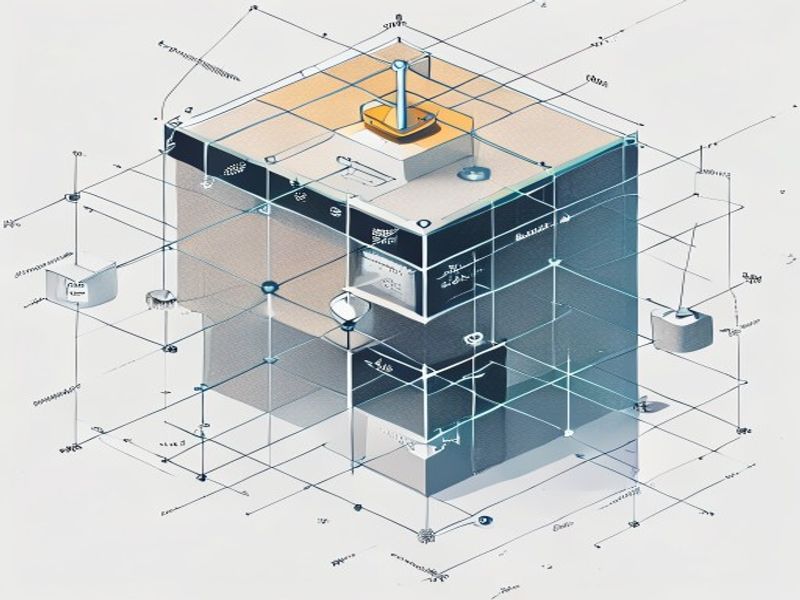
De schaalverhouding van de X- en Y-as corrigeren
Als de kubus in de X-as 20,3 mm meet, terwijl deze 20,0 mm zou moeten zijn, extrudeert je printer te veel in die as. De correctieprocedure:
- Bereken de correctiefactor: 20,0 ÷ gemeten_waarde = stappen_per_mm_vermenigvuldigingsfactor
- Stuur M92 X[new_steps] Y[new_steps] naar de printer (de waarden zijn afhankelijk van je hardware)
- Opslaan met M500 (als EEPROM is ingeschakeld)
- Maak de kubus opnieuw en meet hem opnieuw
Herhaal dit totdat alle drie de assen binnen 0,05 mm van de nominale waarde liggen. Ook de riemspanning speelt hierbij een rol: als de riem te los zit, kan de as stappen overslaan; als hij te strak zit, heeft de motor moeite om soepel te draaien. Stel de riemspanning zo af dat je de riem kunt tokkelen als een gitaarsnaar (ongeveer 100-120 Hz voor standaard GT2-riemen).
Waarom zou u nylon kiezen voor uw 3D-print- en technische kunststofbehoeften?
Met meer dan 10 jaar ervaring op het gebied van technische kunststoffen levert Nylon Plastic hoogwaardige materialen aan B2B-klanten over de hele wereld. Ons productassortiment omvat nylon (PA6, PA66, PA12), POM, PEEK en filamenten voor 3D-printen, waaronder PLA, PLA+ en PETG. Elke partij wordt vóór verzending getest op diametertolerantie (±0,03 mm), vochtgehalte en mechanische eigenschappen.
- ISO 9001-gecertificeerde productiefaciliteiten
- Groothandelslevering tegen concurrerende B2B-prijzen
- Technische ondersteuning bij materiaalkeuze en afdrukparameters
- Snelle wereldwijde verzending vanuit meerdere magazijnen
- Op maat gemaakte materiaalformuleringen beschikbaar voor OEM-projecten
FAQ
Wanneer is het boek „3D-printerkalibratieblok: de complete stap-voor-stapgids“ een goede keuze?
3D-printerkalibratiekubus: De complete stap-voor-stapgids is een goede keuze wanneer snelle iteratie, complexe geometrie, lage gereedschapskosten of productie in kleine oplagen belangrijker zijn dan de stukprijs van gegoten onderdelen.
Waar moet je op letten voordat je ‘3D-printer kalibratiekubus: de complete stap-voor-stapgids’ kiest?
Controleer de onderdeelgrootte, materiaaleigenschappen, oppervlakteafwerking, maattolerantie, blootstelling aan hitte, belastingsrichting en of nabewerking nodig is.
Hoe verhoudt de „3D-printerkalibratiekubus: de complete stap-voor-stapgids“ zich tot CNC-bewerking?
Met 3D-printen kunnen complexe vormen snel worden gemaakt, terwijl CNC-bewerking vaak sterker is voor precieze oppervlakken, nauwere toleranties en productiematerialen.
Wat zijn de factoren die van invloed zijn op de prijs van „3D-printerkalibratiekubus: de complete stap-voor-stapgids“?
De kosten zijn afhankelijk van het materiaal, het bouwvolume, de printtijd, de laaghoogte, het verwijderen van de ondersteuning, de afwerking, de inspectie en het aantal onderdelen in de bouw.
Gerelateerde lezen
- De kalibratiekubus voorbij: Geavanceerde kalibratiemethoden voor 3D printers
- Spuitgietproces: Een complete stap-voor-stap handleiding
- Hoe kiest u de juiste 3D-printer-extruder voor uw configuratie?
In één oogopslag
| Beslissingsmoment | Wat de kubus onthult | Opmerking voor de koper |
|---|---|---|
| Afmetingsfout | X/Y/Z-schaalverschuiving | Gebruik het om de maatnauwkeurigheid te controleren |
| Extrusie | Tekenen van over- of onder-extrusie | Controleer de wanden voordat u de instellingen vrijgeeft |
| Hoeken / gaten | Druk- en bewegingsgedrag | Let op ringvorming, olifantenpoot en gatverschuiving |
| Optimale toepassing | Richtlijnen voor snelle kalibratie | Verzend geen onderdelen op basis van alleen de resultaten van de kubus |

